Vendor App
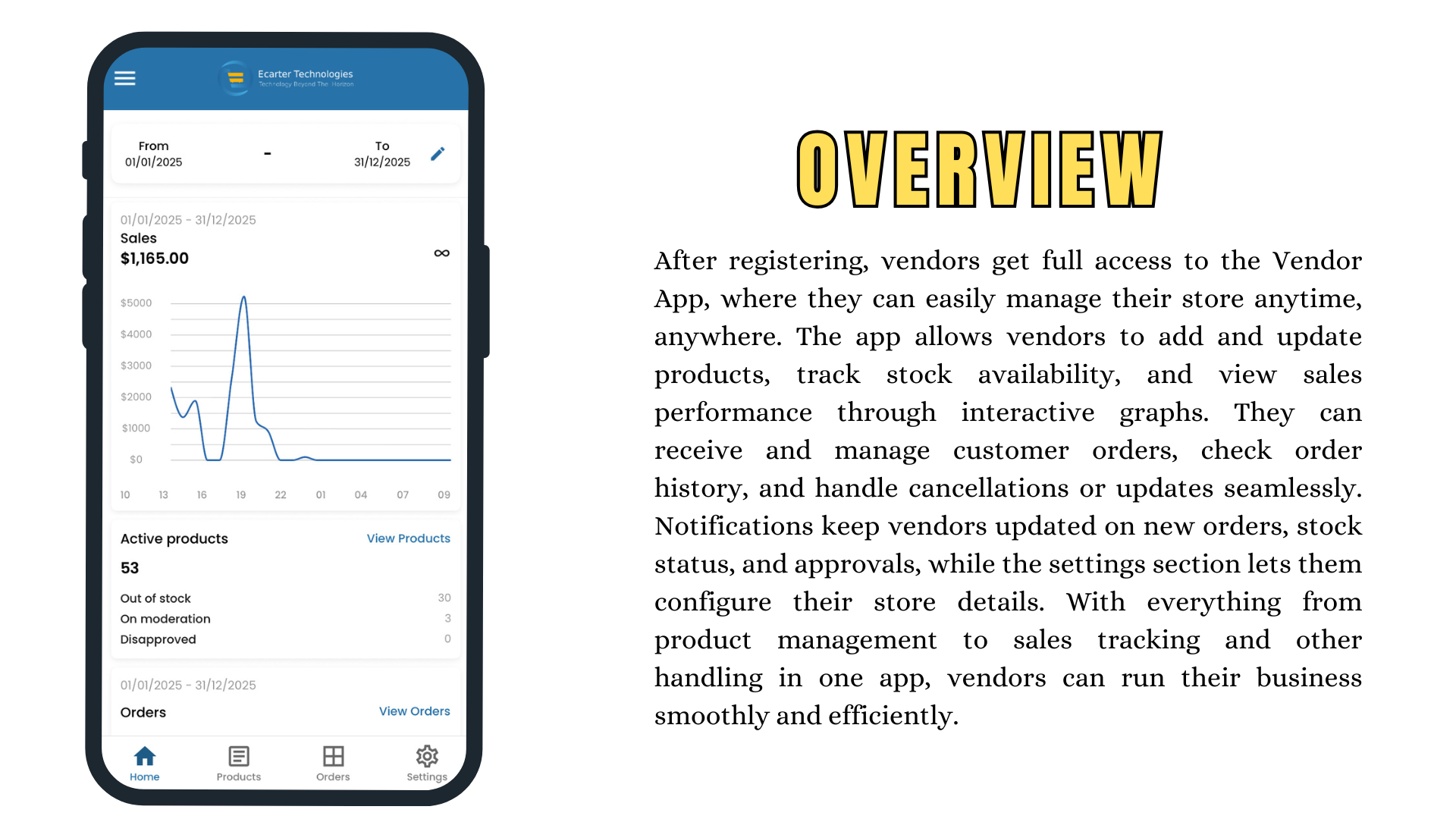
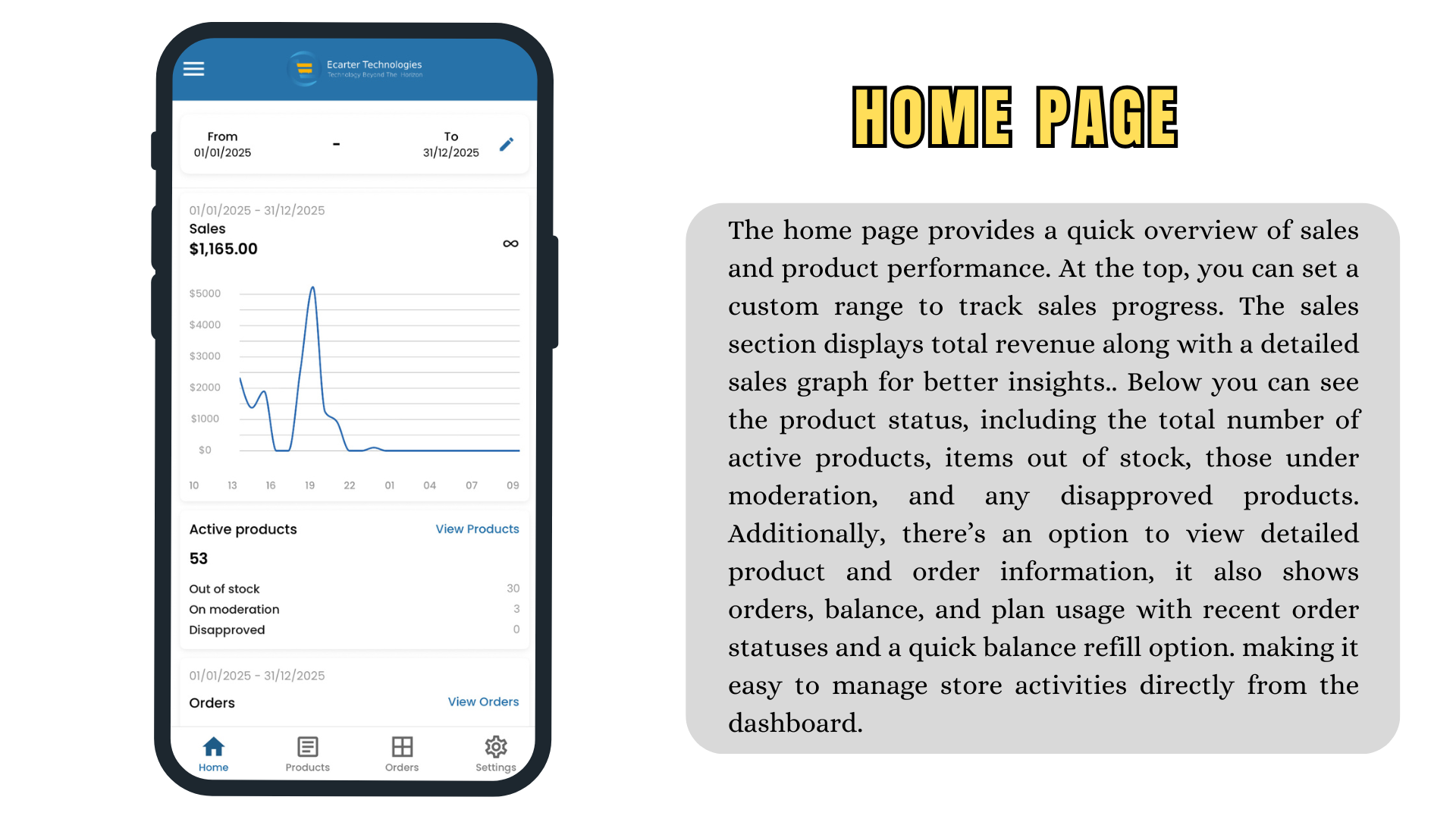
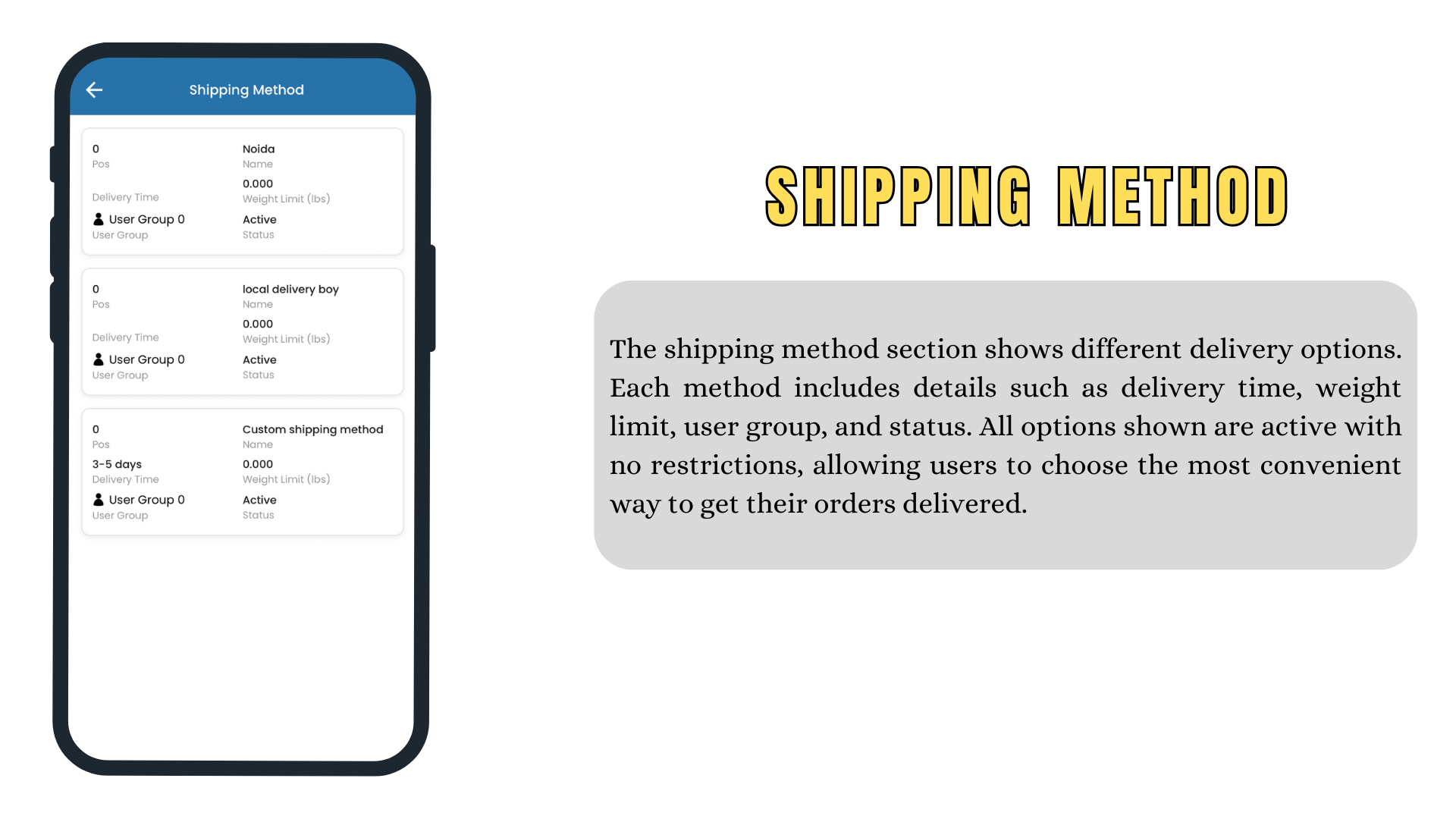
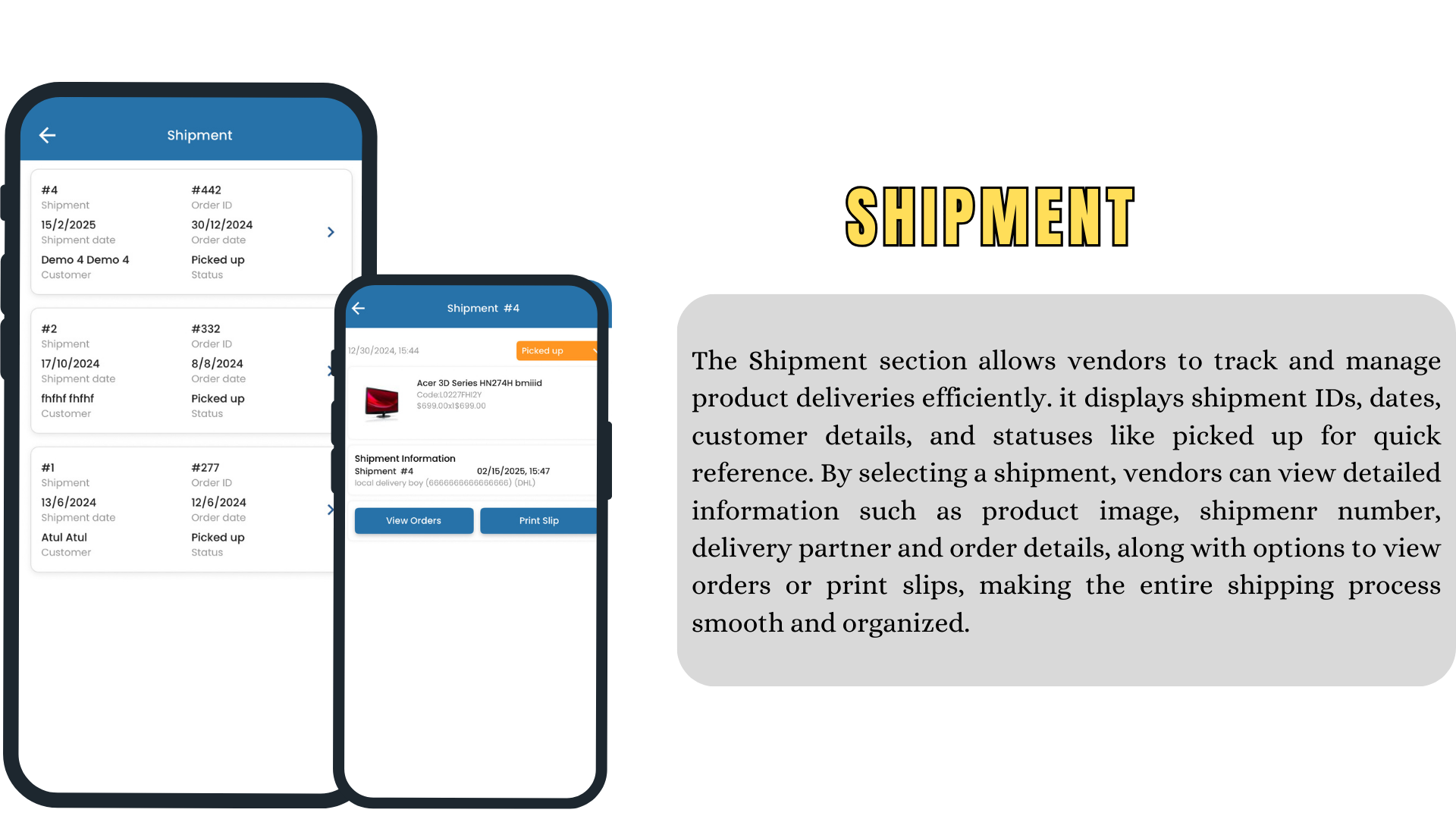
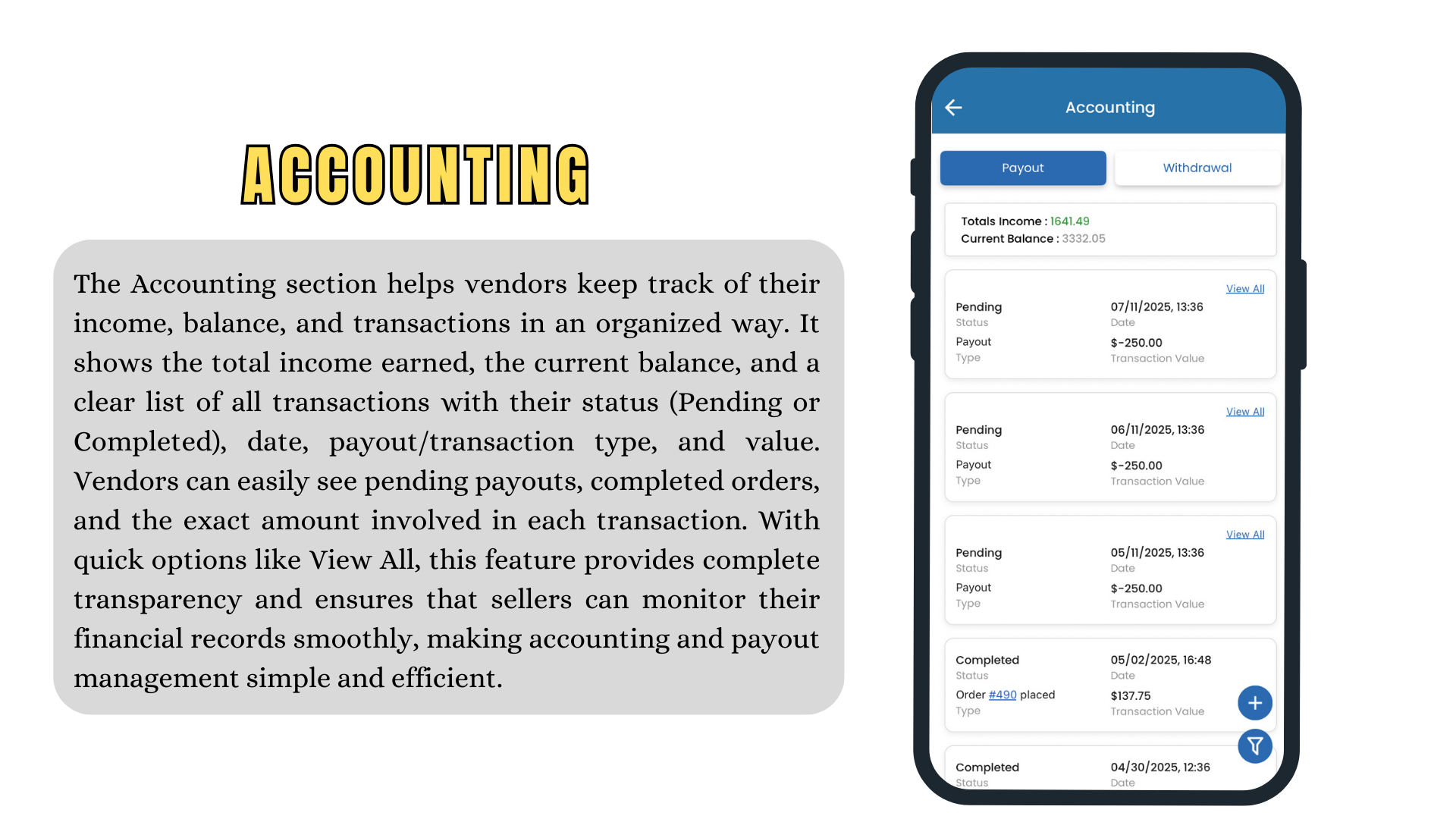
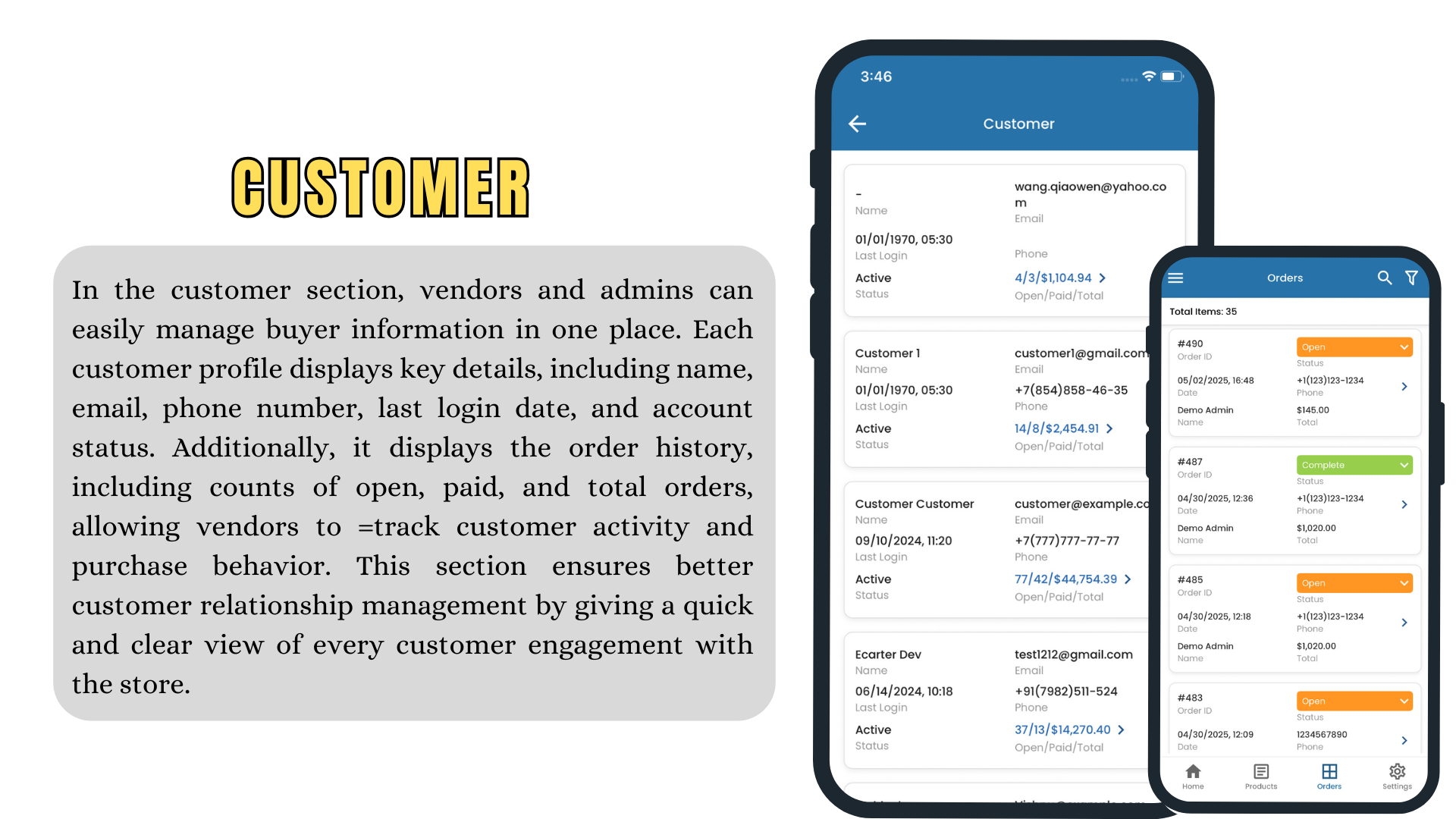
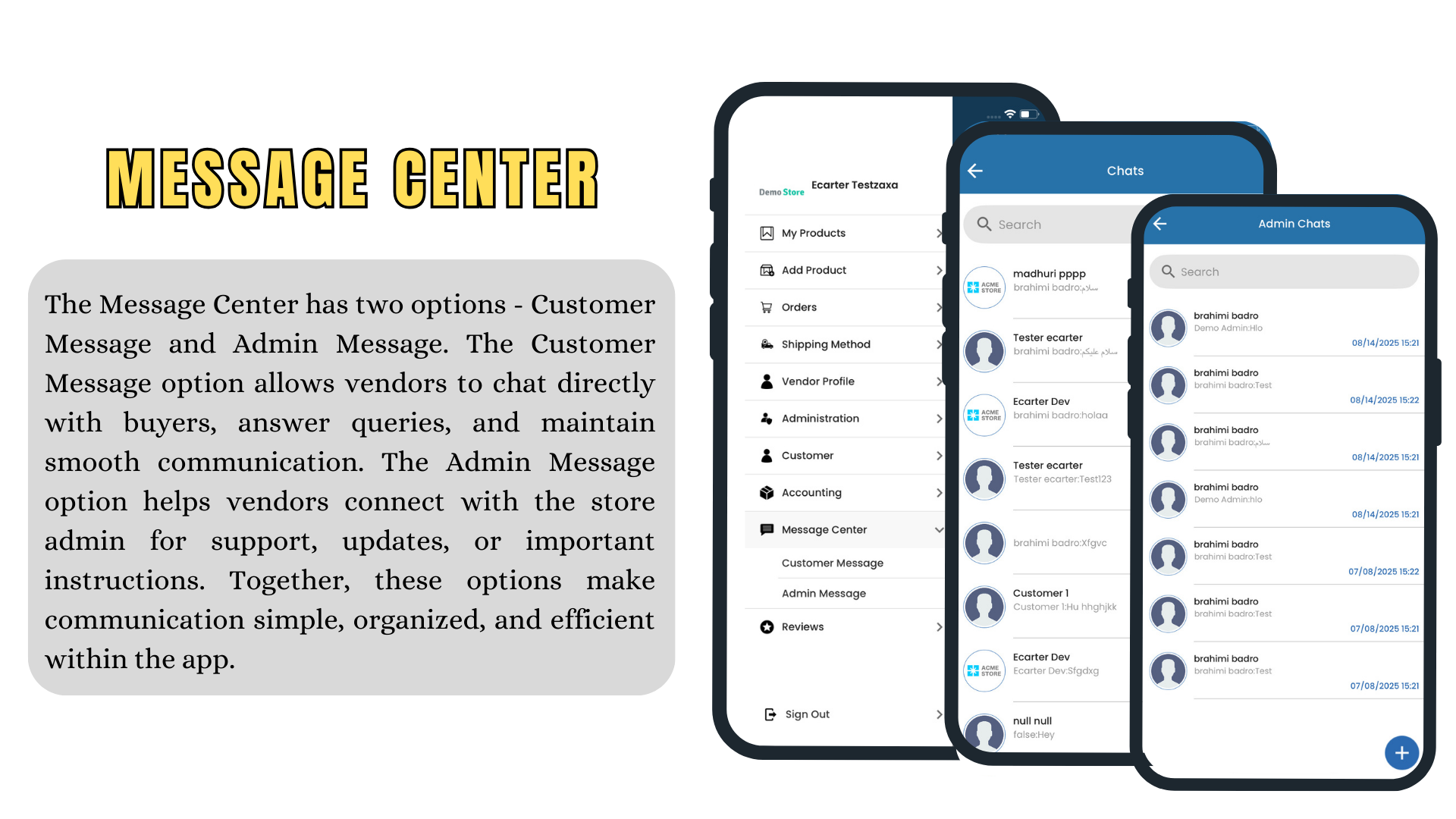
The Vendor Application makes it easy for vendors to manage their tasks from a mobile device. After registering and getting approved, vendors can access their dashboard to view sales, income, inventory, and more

The Vendor App makes it easy for marketplace vendors to run their business from a mobile device. After registering and getting approved, vendors access a dashboard with their sales, income, inventory and more — wherever they are. It is one of Ecarter’s in-house products for CS-Cart Multi-Vendor marketplaces.
The challenge
On a multi-vendor marketplace, the seller experience is half the product. Vendors are rarely at a desk: they need to see what’s selling, respond to orders and fix stock issues from their phones. CS-Cart Multi-Vendor’s vendor panel is web-based, so we set out to build a mobile vendor experience that covers the daily workflow end to end.
What we built
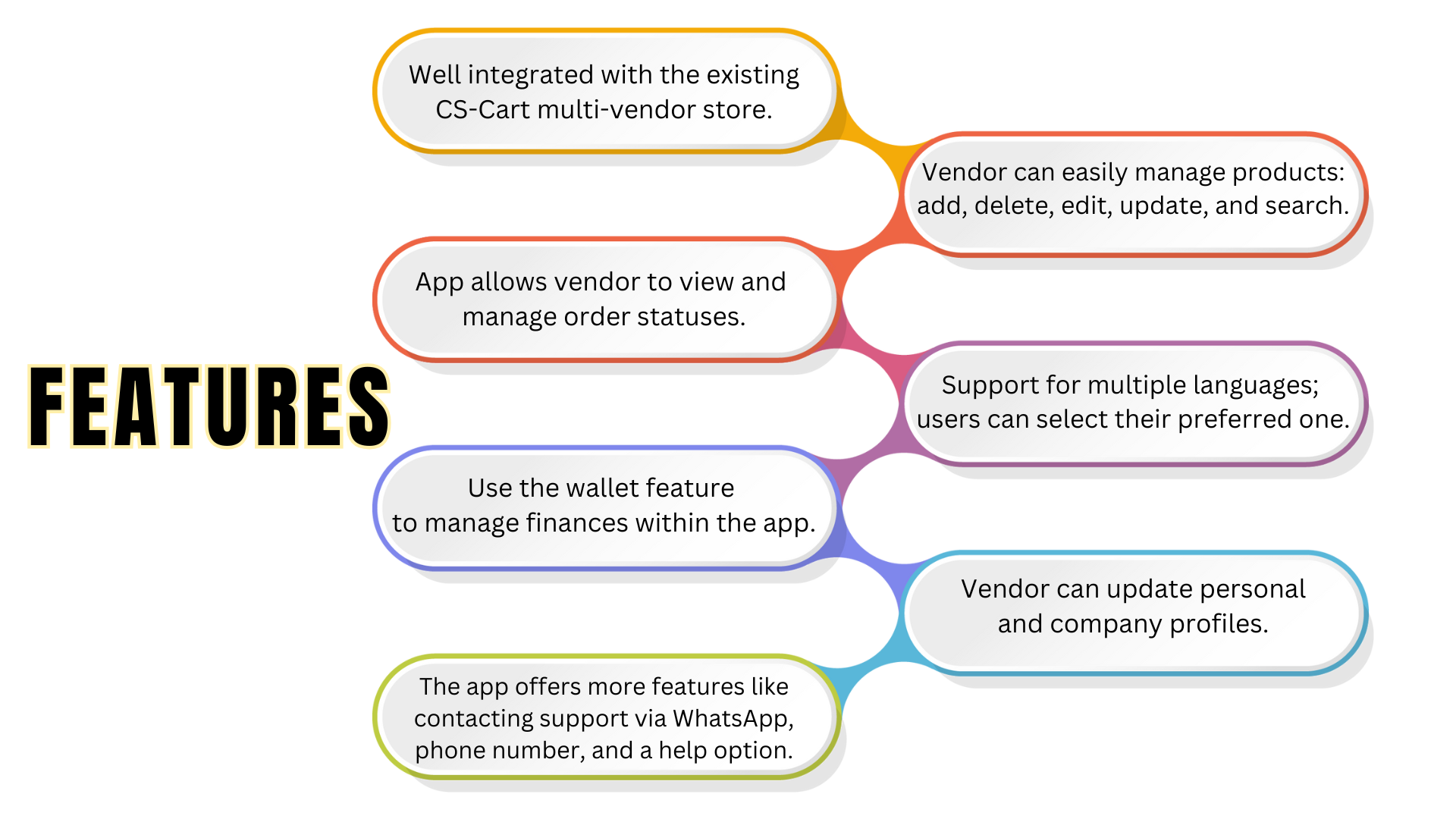
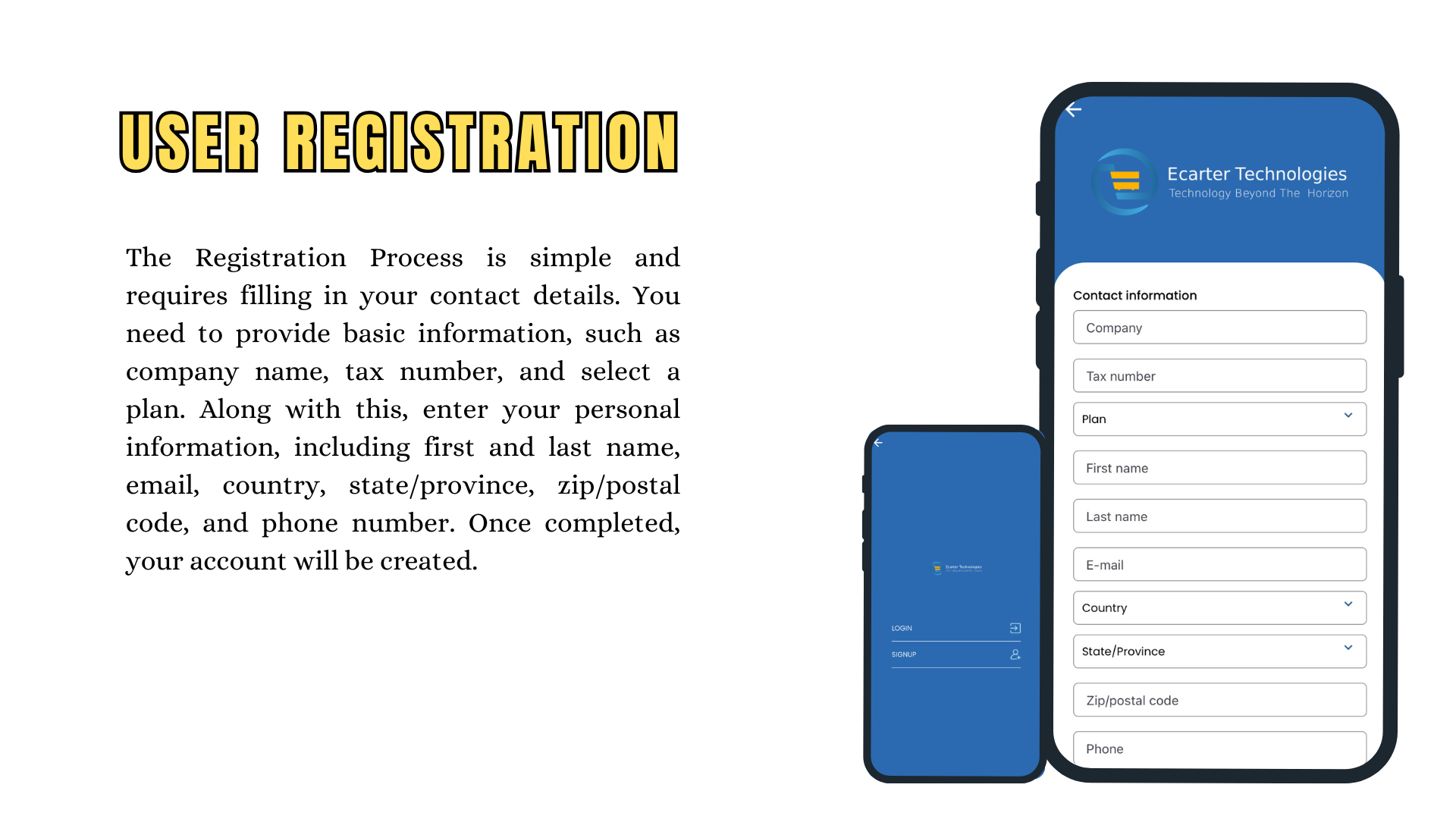
- Vendor registration and approval flow, so marketplaces can onboard sellers straight from the app
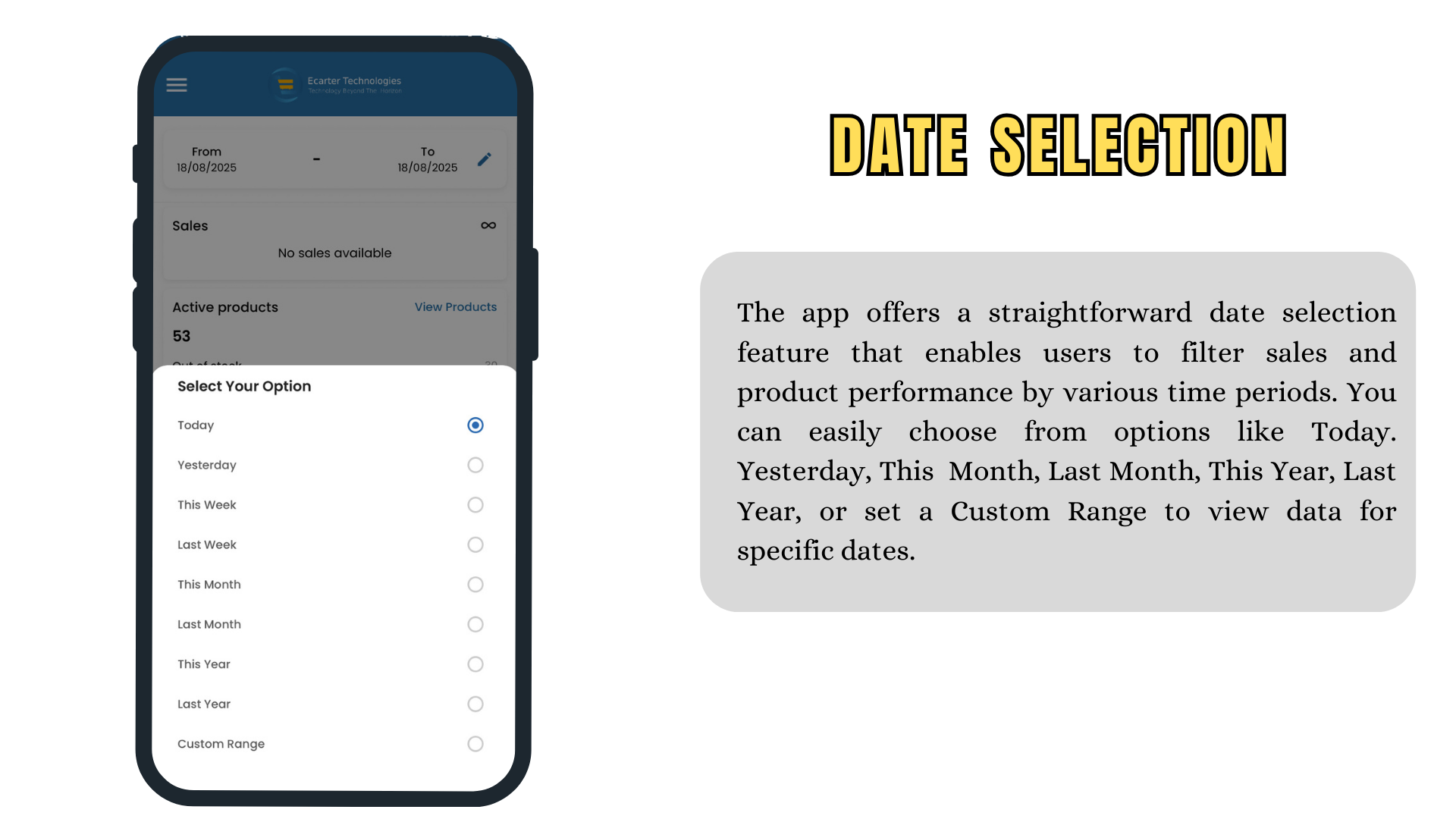
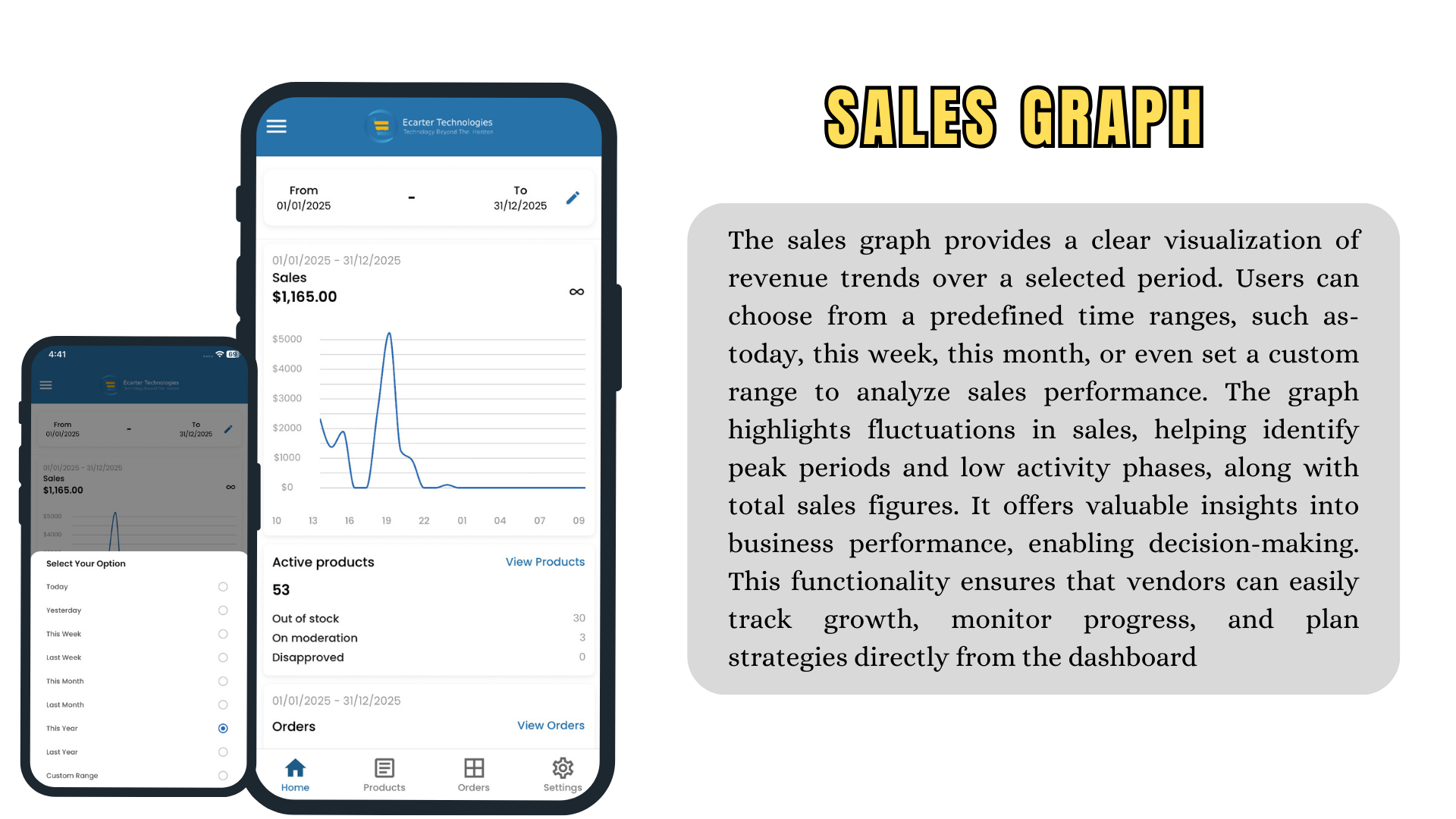
- A dashboard showing sales, income and business performance at a glance
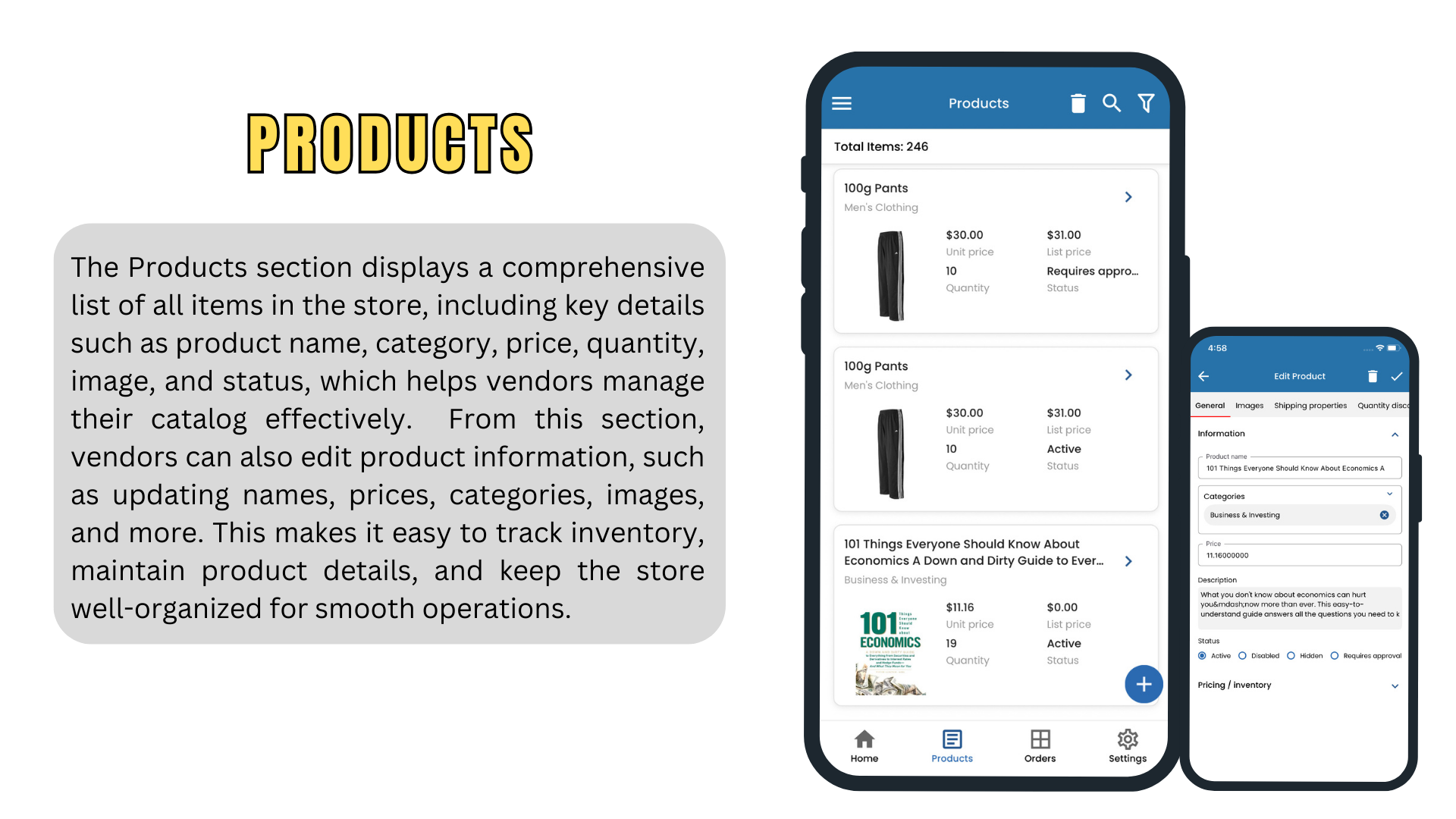
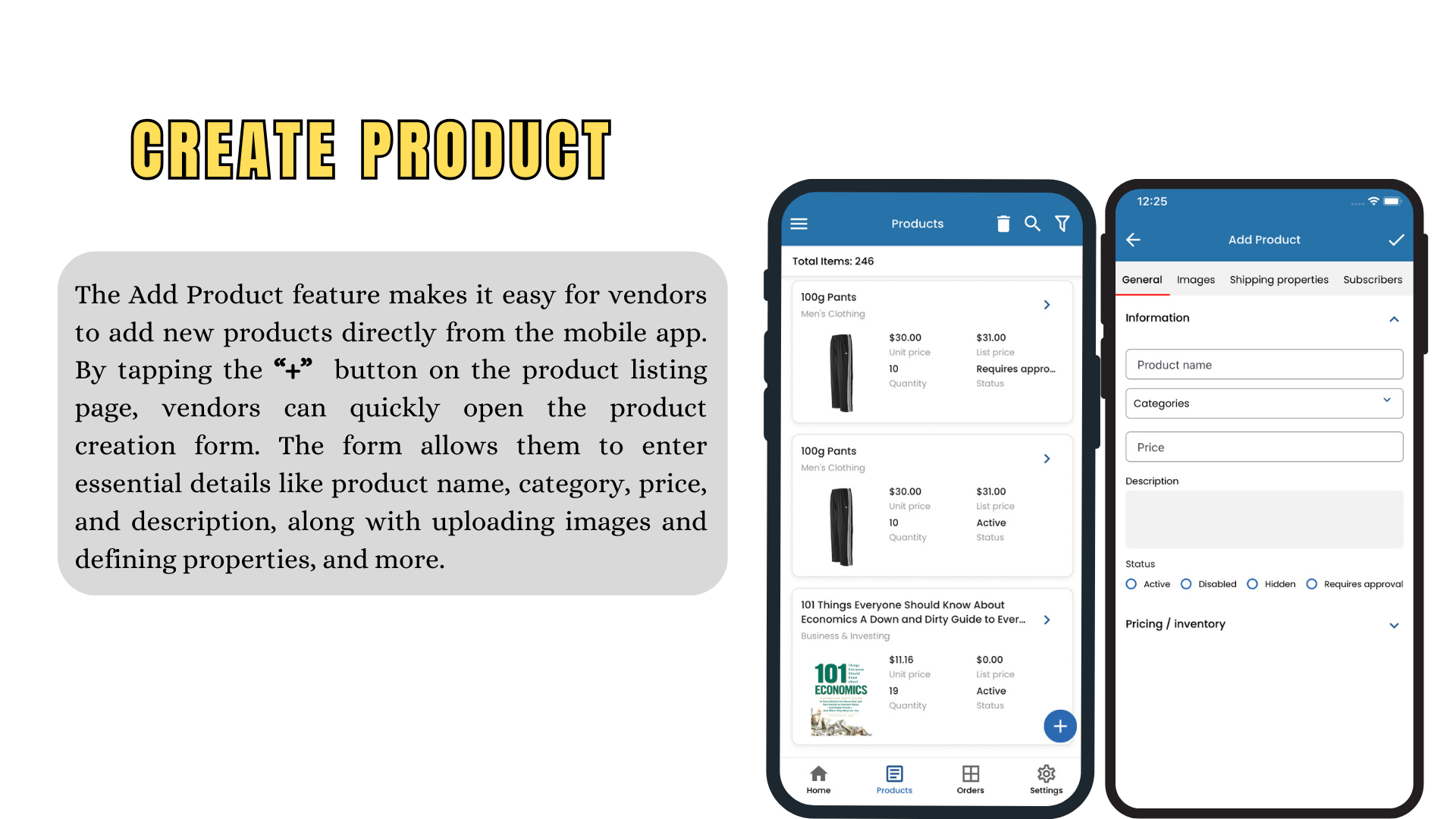
- Inventory visibility and product management on the go
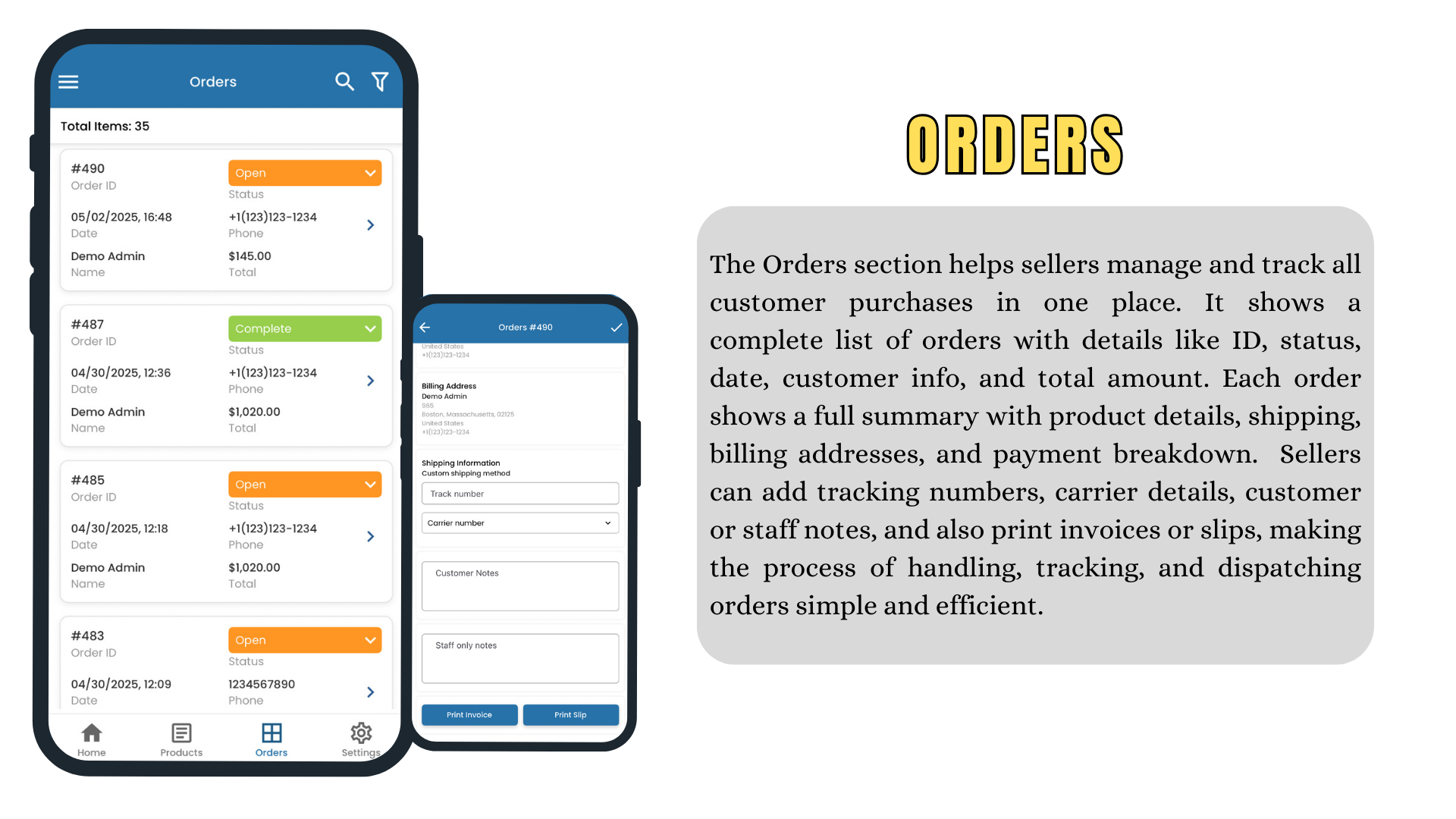
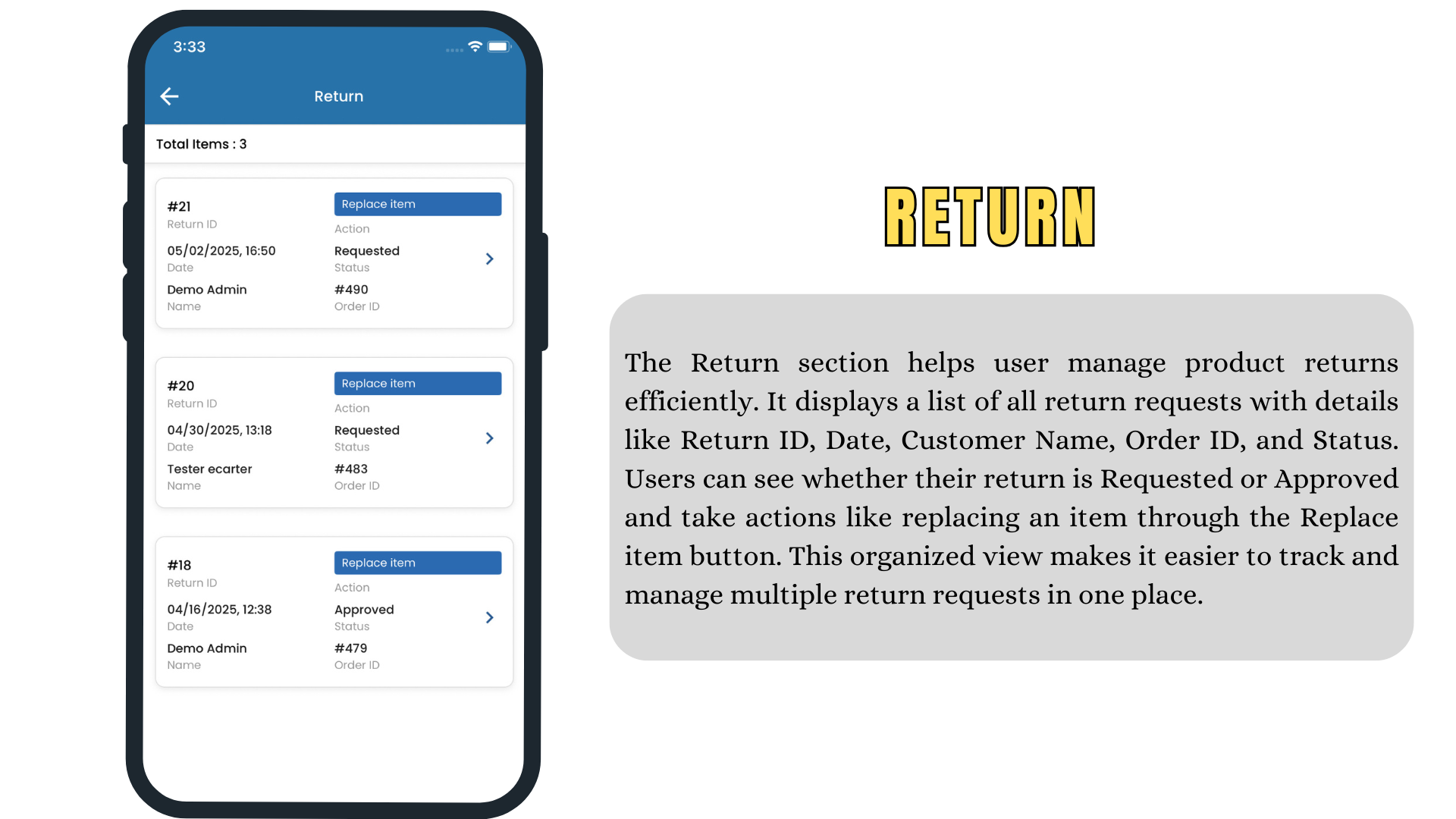
- Order viewing and processing, so vendors can act on new orders immediately
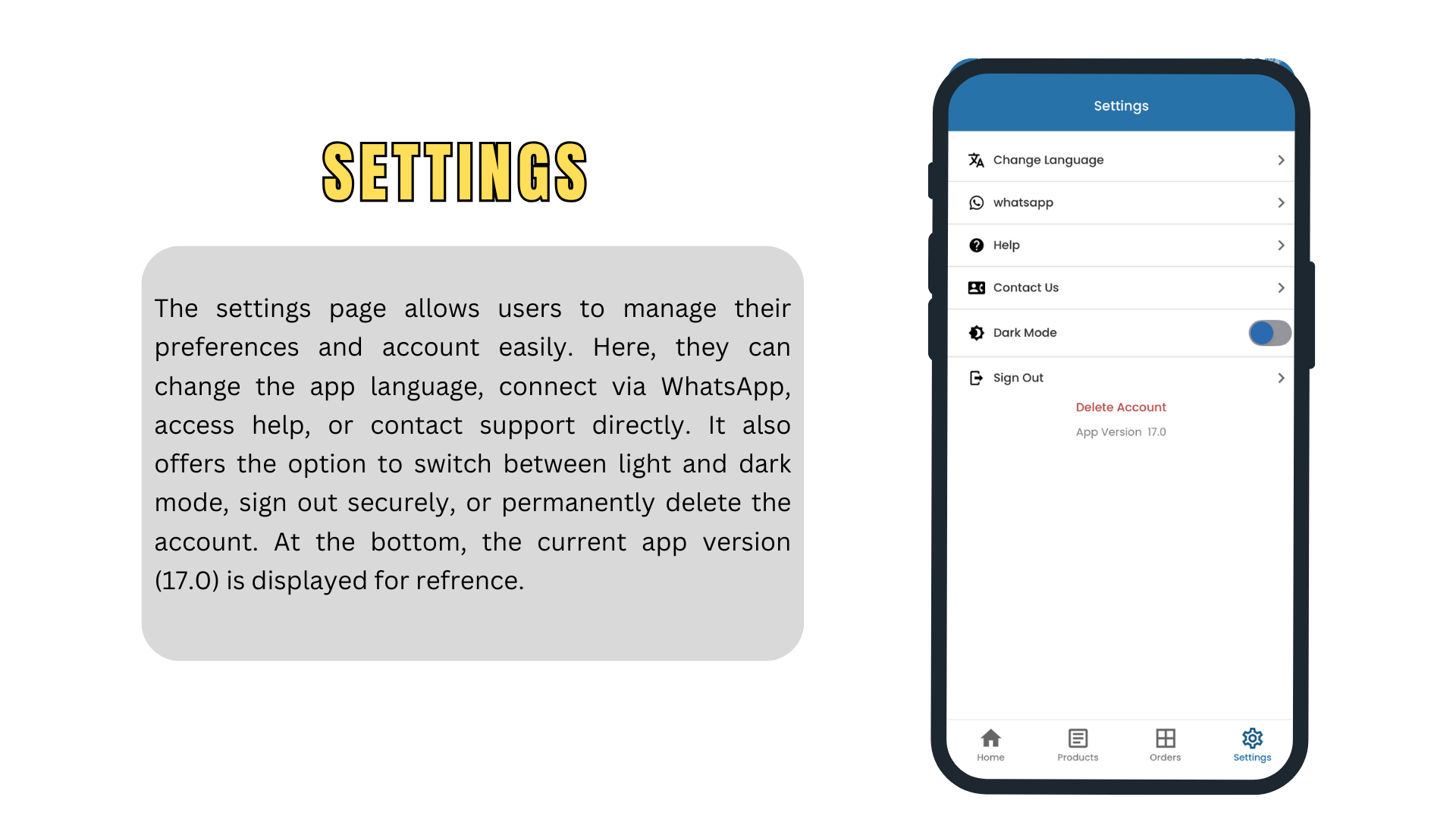
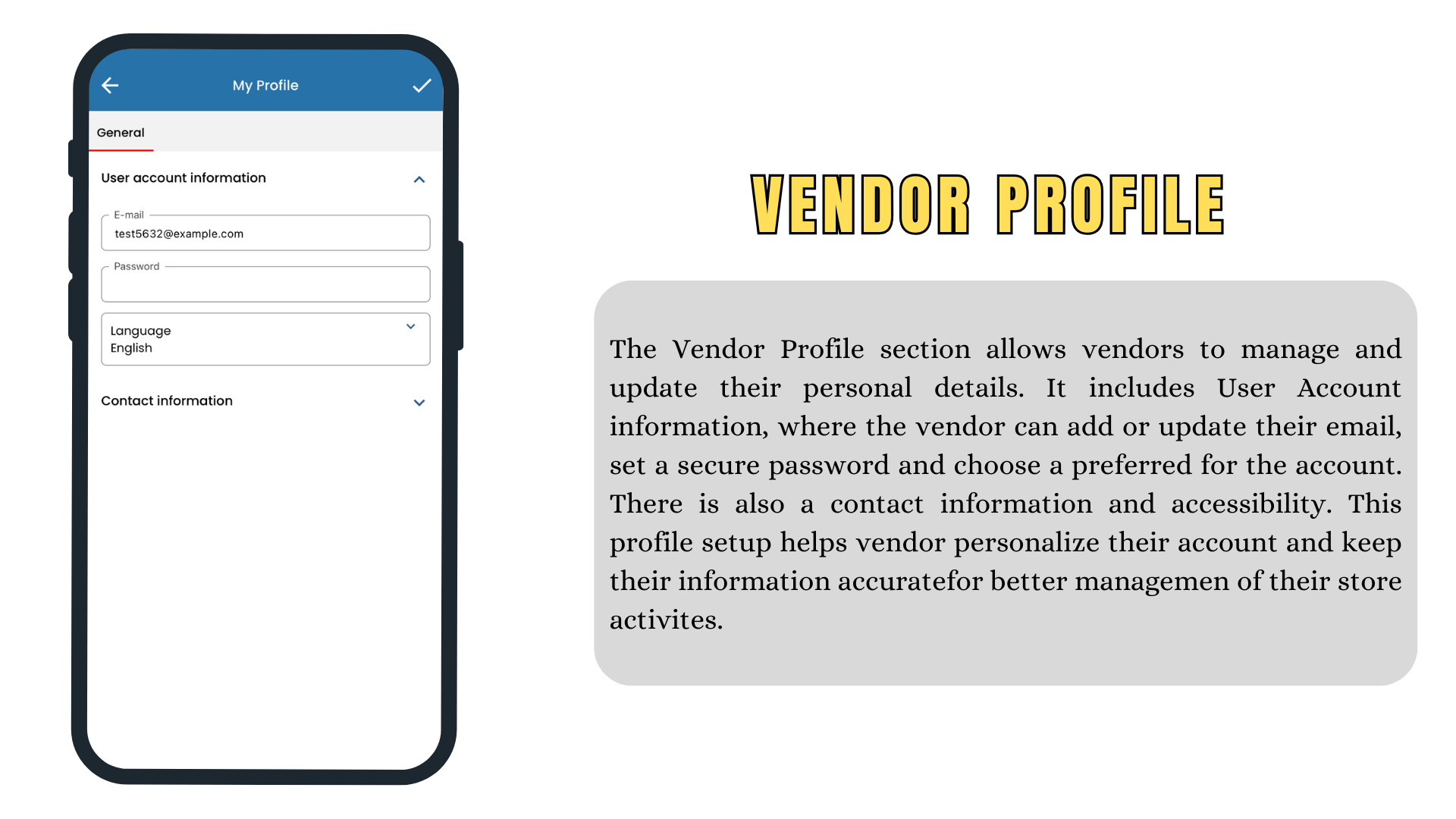
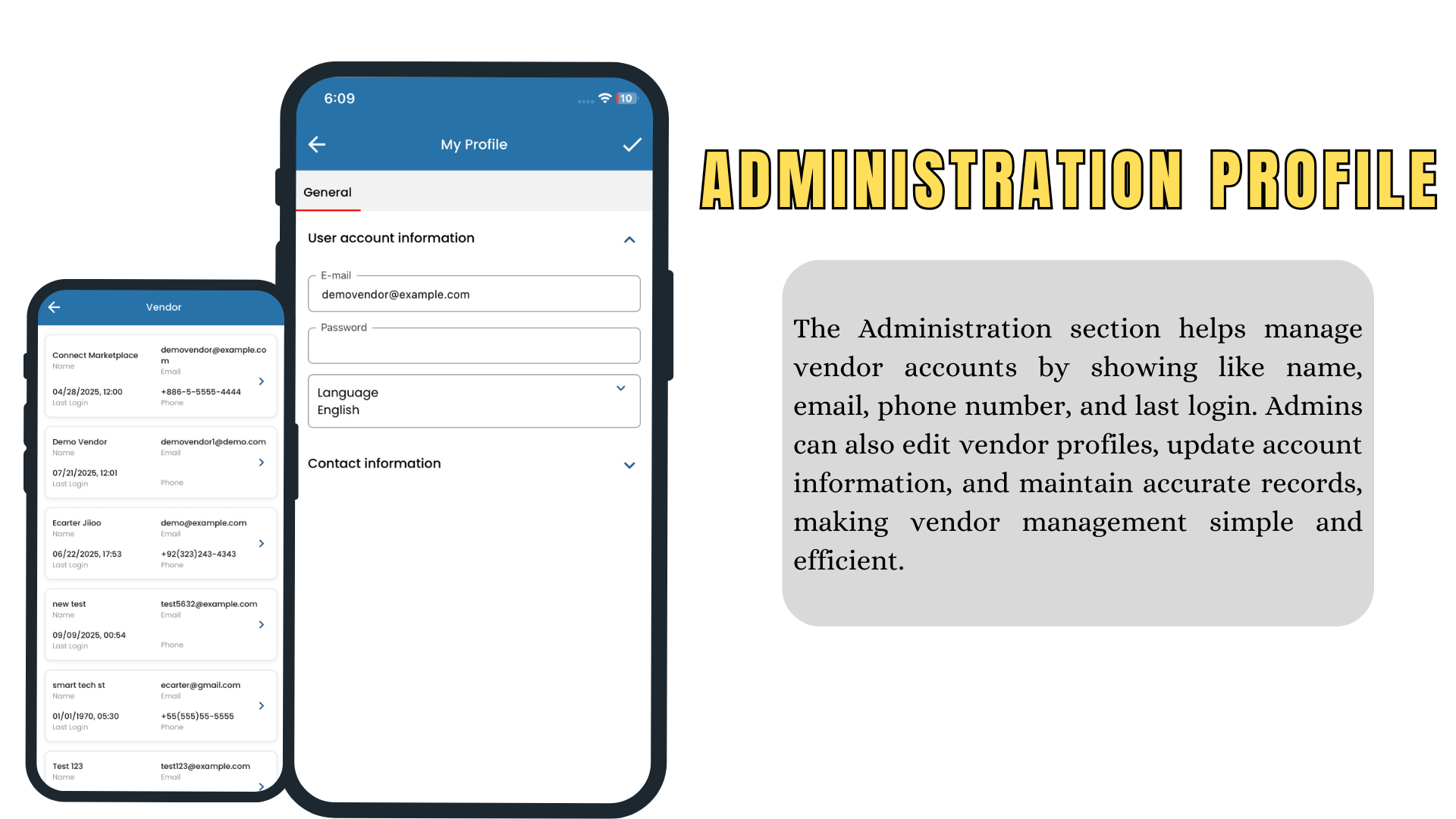
- Account and profile management for the vendor’s storefront
Technology
The app is built by Ecarter Technologies, a CS-Cart authorized partner, and integrates directly with the store’s CS-Cart backend over its REST API — so the catalog, prices, stock, customers and orders in the app always mirror the live store, with no separate data entry or synchronisation step for the store team.
The outcome
Marketplace operators can offer their sellers a mobile-first way to run their stores — which means faster order handling and fewer stale listings. Like the Customer App, the Vendor App is productised: any CS-Cart Multi-Vendor marketplace can adopt it and brand it as their own.
App screens
A selection of screens from the delivered app.